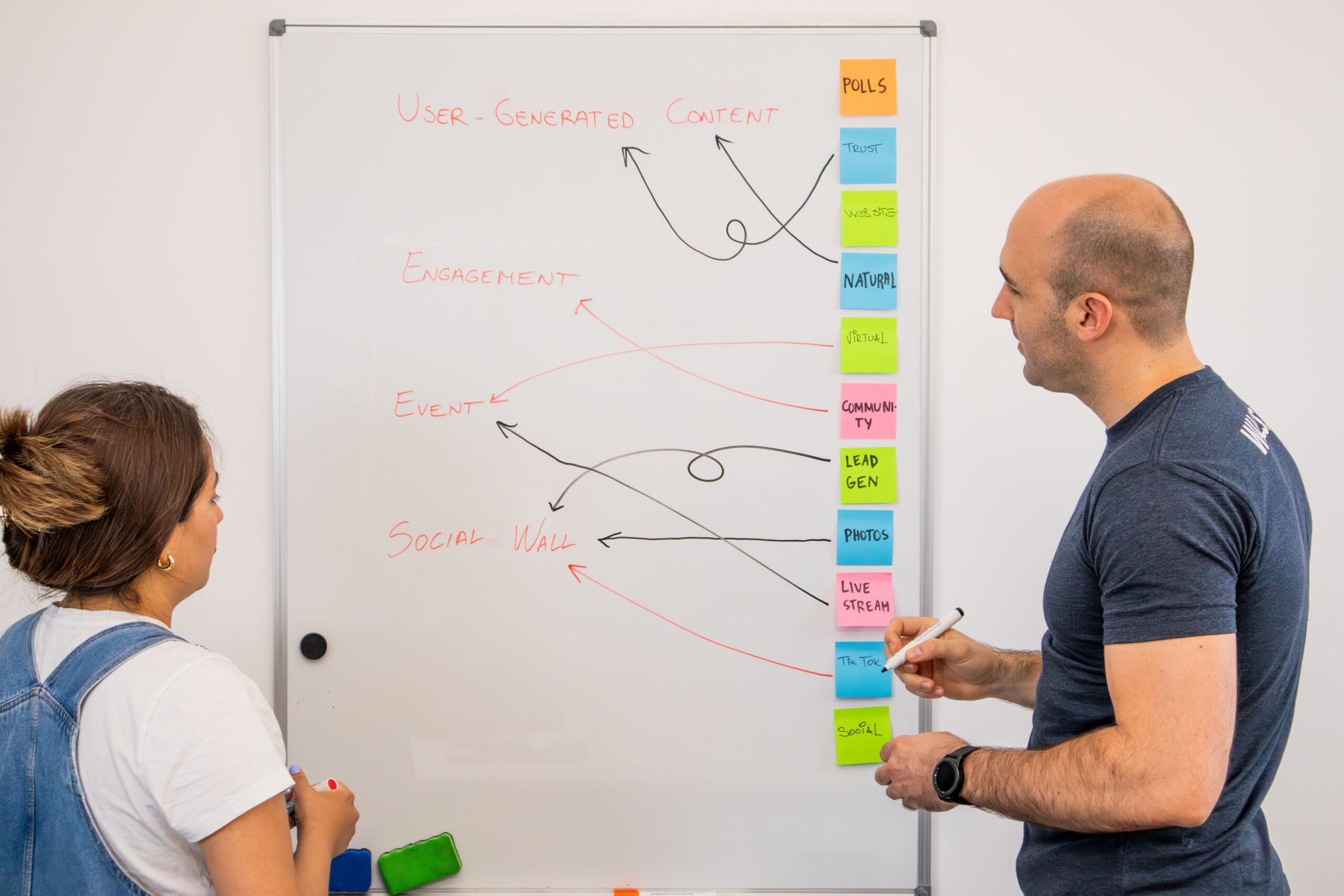
Technology decisions are often made one problem at a time.
A computer fails. A license renews. A team grows. A security concern becomes urgent.
Each response may be reasonable on its own while the overall environment becomes more expensive, inconsistent and difficult to support.
A technology roadmap connects those decisions to a shared plan.
The main point
A technology roadmap is not a shopping list.
It is a practical view of:
- What the organization has
- What the business expects to change
- Which risks need attention
- Which projects depend on other work
- When investments should occur
- Who is responsible for the next decision
For many small and midsize organizations, Trustline recommends maintaining a detailed 12- to 24-month plan with a broader three-year direction.
The roadmap should be reviewed throughout the year and updated when the business changes.
Signs that a roadmap is needed
A roadmap becomes particularly valuable when:
- Technology spending is mostly reactive.
- Equipment ages and support dates are unknown.
- The organization experiences recurring outages or support problems.
- Important systems are approaching the end of support.
- Growth, hiring, relocation or acquisition is expected.
- Leaders cannot see upcoming renewals or replacement costs.
- Security and compliance work has no clear sequence.
- Departments purchase overlapping tools.
- Important systems depend on one employee or vendor.
- Projects repeatedly uncover undocumented dependencies.
The roadmap does not need to wait for a crisis. Its purpose is to prevent ordinary life cycle events from becoming crises.
What a useful roadmap includes
The current environment
Document the technology the organization relies on, including:
- Computers and mobile devices
- Servers and network equipment
- Applications and cloud services
- Vendors and support providers
- Contracts and licenses
- Renewal and support dates
- Important integrations
- Business-critical dependencies
NIST encourages small businesses to understand the hardware, software, systems and services they depend on. This inventory provides a factual starting point for prioritization.
Business priorities
Connect each initiative to an actual business need.
Examples include:
- Opening a location
- Supporting remote employees
- Improving client service
- Reducing downtime
- Meeting a contractual requirement
- Preparing for growth
- Replacing an unsupported system
- Improving recovery
A project without a clear business reason is difficult to prioritize and evaluate.
Risks and constraints
Identify:
- Unsupported systems
- Single points of failure
- Weak or excessive access
- Inadequate backup or recovery
- Capacity limitations
- Manual processes
- Vendor dependencies
- Skills or staffing constraints
Describe the potential business impact in plain language. Leadership should not need a technical briefing to understand why the issue matters.
The recommended sequence
Place projects in an order that reflects their dependencies.
For example:
- Replacing a server may require an application decision first.
- Improving remote access may depend on identity and MFA.
- Moving an office may require internet and cabling decisions months in advance.
- A cloud migration may require data cleanup and access planning.
- A recovery project may depend on an accurate system inventory.
Sequencing prevents one project from being delayed by a decision that should have happened earlier.
Budget ranges
Include expected costs for:
- Hardware
- Software
- Licensing
- Implementation
- Training
- Support
- Contingency
Early estimates do not need to be final quotes. Their purpose is to improve financial visibility and identify years or quarters with competing investments.
Ownership and timing
Every initiative should have:
- A responsible owner
- A target period
- A current status
- A next decision
- Known dependencies
A roadmap without ownership becomes a list of intentions.
Review it regularly
Trustline recommends reviewing the roadmap at least quarterly and during annual budgeting.
Update it after:
- Major hires or staffing changes
- Office openings, moves or closures
- Acquisitions
- Compliance findings
- Security incidents
- Major vendor changes
- Changes in business direction
A roadmap should reflect the business as it exists now, not the business that created the document a year ago.
Separate maintenance and transformation
Some projects keep the environment supported. Others create a new capability.
Maintenance may include:
- Replacing aging computers
- Renewing licenses
- Updating infrastructure
- Testing backups
Transformation may include:
- Implementing a new business platform
- Automating a process
- Expanding to a new location
- Building a new client experience
Both types of work matter. They should not compete invisibly for the same time and budget.
Keep the roadmap readable
Leadership should be able to understand:
- Why the work matters
- What risk it addresses
- When a decision is needed
- What outcome is expected
- What it may cost
Detailed technical plans can exist beneath the roadmap. The leadership view should remain focused on decisions and outcomes.
What to avoid
Do not:
- Build the roadmap around products before defining needs.
- Treat every department request as an unrelated project.
- Ignore support and renewal dates.
- Create more detail than the organization can maintain.
- Assign every initiative to IT without business ownership.
- Treat the roadmap as fixed after approval.
The roadmap should support decisions, not become another system no one trusts.
When to involve IT
Involve IT when:
- Inventorying the environment
- Identifying dependencies
- Estimating risk
- Sequencing technical work
- Validating costs and timelines
- Reviewing support and life cycle dates
Business leadership should still own organizational priorities and acceptable risk.
A useful roadmap gives technology a place in business planning before urgency takes control of the schedule.
Ready to turn scattered technology needs into a practical plan? Book a consultation.